When someone buys from you, you usually don’t know why they picked specifically your store over the others. Maybe a friend mentioned you. Maybe they saw an Instagram post, or found your brand months ago and only just got around to ordering. Your analytics can show which channel the sale came through, but not what actually convinced the person to buy. That’s where post-purchase surveys come in. By asking customers a quick question right after they place an order, you can get a better idea of what brought them to your store and what made them choose you.
Unfortunately, Shopify doesn’t include one, but the good news is you can easily install an app and create the surveys you want.
In this article, we will introduce you to eight of the best post-purchase survey apps, with what each does well and who it suits.
What a post-purchase survey actually is, and what it does
A post-purchase survey is a short set of questions shown right after an order, usually on the thank-you page or the order status page. The usual question is “How did you hear about us?” You can also ask why they picked you, how checkout went, or what they almost bought instead.
The timing is what works here. The customer has just said yes, so one or two quick questions feel like a small ask, and the answers are information you can’t get anywhere else.
Why include one on your page
Your tracking misses word of mouth, podcasts, and offline mentions, and a survey picks them up. If many customers name the same channel, you know where to put your marketing and advertising budget. The answers also give you your customers’ own reasons for choosing you, and a question about the checkout experience can turn up problems you’d never notice yourself.
How we tested these apps
To write and determine this list of 8 best apps, we installed each of these 8 apps on a Shopify store and set up a post-purchase survey in each one. While testing, we looked at things such as how easy the setup was, how simple and user-friendly the interface was, and how the survey looked to a customer after checkout. The opinions in each section come from using the apps ourselves, and we’ve added a short “Our take” to each one. Prices and plans change often, so it’s worth checking the app listing before you choose.
Best Post-Purchase Survey Apps for Shopify at a Glance
| App | Best for | Key features |
| Apricot Post Purchase Survey | All-in-one customer feedback | 16+ question types, branching logic, analytics, integrations |
| Fairing Post-Purchase Survey | Marketing attribution | Post-purchase attribution surveys, pre-built questions, customer value insights |
| KnoCommerce (KNO) | Survey templates and automation | 30+ templates, audience targeting, benchmarking, Shopify Flow |
| UserLoop | AI-powered customer insights | Surveys across multiple touchpoints, AI analysis, 100+ language translations |
| Grapevine | Predictable survey costs | Unlimited surveys and responses, Shopify POS support, NPS and CSAT |
| Zigpoll | Flexible survey collection | On-site polls, NPS, email and SMS surveys, no-code setup |
| Hulk NPS Post-Purchase Survey | Budget-friendly surveys | NPS tracking, conditional logic, multiple question types |
| Gojiberry Survey & Feedback | Surveys throughout the customer journey | Pre- and post-purchase surveys, QR codes, attribution templates, order data |
Now let’s go through each of these separately.
1. Apricot Post-Purchase Survey
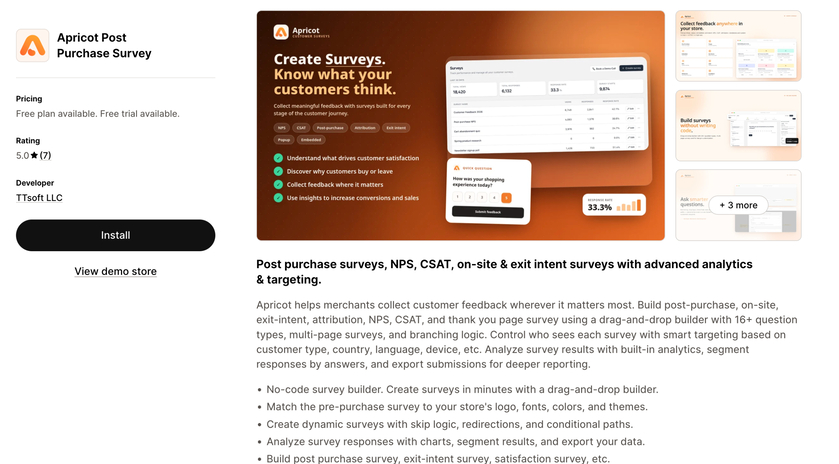
Apricot Post-Purchase Survey is a survey app that covers more than just the post-purchase moment. You can build post-purchase, on-site, exit-intent, attribution, NPS, CSAT, and thank-you page surveys, all with a drag-and-drop builder, so you don’t need any code.
Whether you want to understand why customers buy from your store or collect feedback after a purchase, this survey app for Shopify offers several survey types to help you gather useful customer insights.
What stands out:
- The builder has more than 16 question types. These question types include page surveys and branching. Because of this, the next question can depend on the customer’s answer that was given before.
- You can target by customer type, country, and language, meaning different people can see different surveys.
- Built-in analytics, including charts, response segmentation, and data export
- Style options that match the survey to your store’s logo, fonts, and colors
- Integrations with Klaviyo, Mailchimp, Brevo, ActiveCampaign, Zapier, and Shopify Flow
Pricing: On the free plan, you get 100 responses each month, one survey, and up to five questions. You still get access to purchase NPS surveys, CSAT surveys, attribution surveys, and exit-intent surveys. Paid plans start at 5 dollars a month.
Best for: Store owners who want one app for post-purchase surveys and other feedback, with a free plan to start.
Our take: Apricot was one of the easiest apps to use. The interface is clean, without extra settings getting in the way, and creating a survey felt simple from the start. The buttons for adding questions and changing things are clear, so I never had to guess where to click. I also liked the link to a YouTube video for first-time users. It’s great if you’d rather watch how it works than read about it, and it helped me learn about the tool visually. The only downside is that the free plan lets you create just one survey. Still, that’s enough to try it and decide whether it’s worth paying for. It’s a great fit if you just want to get started and build surveys without a long learning curve.
2. Fairing Post-Purchase Survey
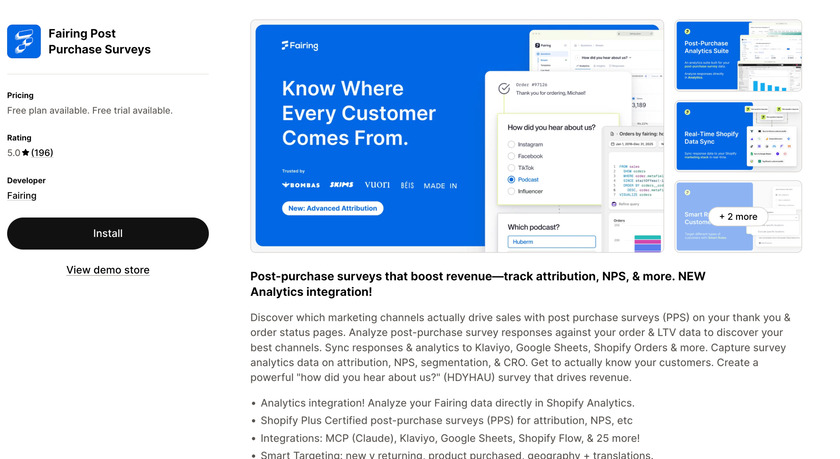
Fairing Post-Purchase Survey is built for one job: working out which marketing channels bring in customers. It adds a “How did you hear about us?” survey to your thank-you and order status pages, and you can compare the answers against your order and customer value data.
What stands out:
- Shopify Plus certified
- 25+ pre-built survey questions you can launch with a click
- Connections with Klaviyo, Google Sheets, Shopify Flow, and many more
- NPS surveys too
Best for: Growing brands that care a lot about attribution and want a proven tool with a track record.
Our take: Fairing wasn’t my favorite to use, to be honest. The interface is very full and was hard to find my way around. It has a lot of advanced settings, which is great if you already know exactly what you need, but as first-time users, you can get lost easily. One thing I did like is the ready-made question templates, so you don’t start from a blank page. It’s powerful, but we’d say it suits people who already know attribution surveys better than beginners.
3. KnoCommerce: KNO Post Purchase Surveys
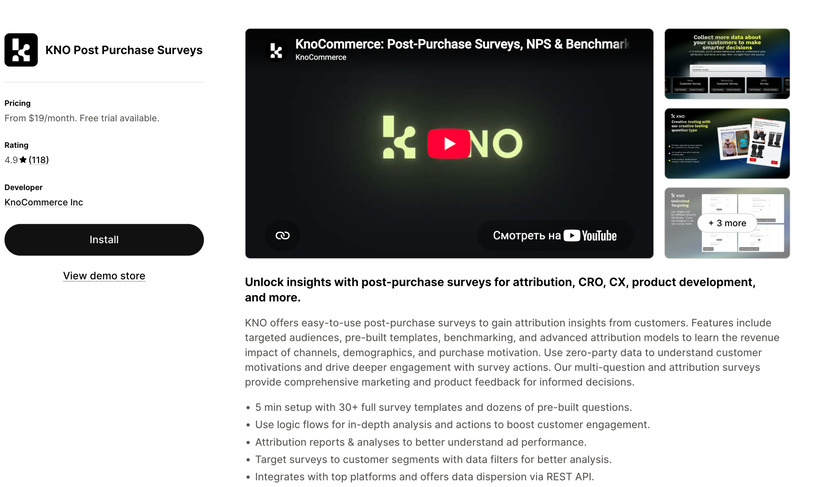
KnoComerce, also called KNO, focuses on attribution and customer insight. It’s a good fit if you like starting from templates instead of a blank page.
What stands out:
- 30+ full survey templates and lots of pre-built questions, with setup in around five minutes
- Targeted audiences, so different customers can see different surveys
- Benchmarking, so you can see how your results compare
- Integrations with tools like Klaviyo and Shopify Flow, which can trigger alerts or tags based on a customer’s answer
Pricing: Plans start at $19 a month, but also offers a free trial.
Best for: Store owners who want templates, targeting, and the ability to act on survey answers automatically.
Our take: I couldn’t really test KnoCommerce (KNO) because to start the free trial, it asked for card details first, and since I had never used this app, I wasn’t comfortable adding a card just to try it. I feel like this is something that happened to other customers as well, and I wish they let users try the app themselves before asking for a subscription.
4. UserLoop Post-Purchase Surveys
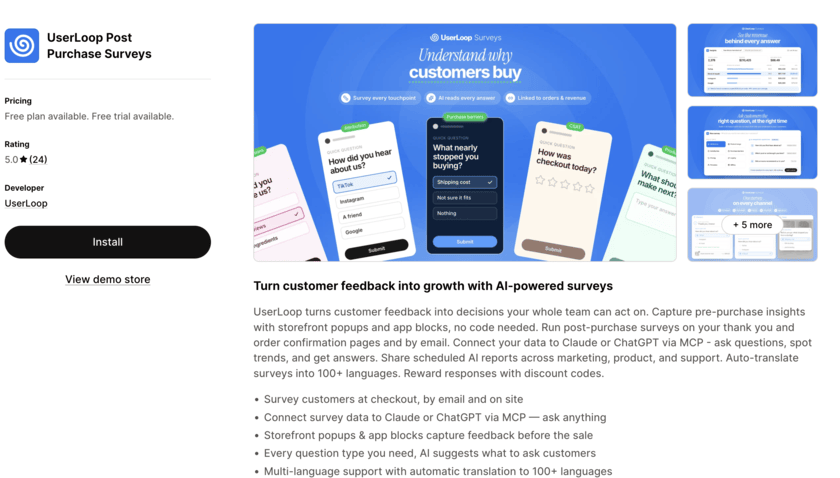
UserLoop asks shoppers questions both before and after they buy. The post-purchase surveys appear on the thank-you and order confirmation pages and also go out by email. Before a sale, you can collect feedback with storefront pop-ups and app blocks. You can also connect the survey data to Claude or ChatGPT and ask it questions about the responses, so you don’t have to read through every answer yourself.
What stands out:
- Surveys at checkout, by email, and on your storefront.
- AI that suggests questions for a topic you choose and groups open-text answers into themes.
- A connection to Claude and ChatGPT through MCP, so you can ask questions about your survey data.
- Automatic translation into 100+ languages, and discount codes as rewards for finishing a survey.
- A 5.0 rating from 24 reviews on the App Store.
Pricing: The free plan covers 50 responses a month, one survey, and three questions per survey. The $19 a month plan has unlimited responses, three surveys, ten questions per survey, data export, and the AI connection, with a 14-day free trial. The $99 a month plan removes the limits on surveys and questions and adds unlimited team seats.
Best for: Best for stores that want to survey shoppers both before and after a sale, and plan to run the answers through an AI tool.
Our take: UserLoop was my second favorite. The interface is friendly and easy to follow, and adding questions and answers was quick. The part I liked most is the suggested questions and answers. If you’re not sure what to ask, it gives you ideas, which saves a lot of time. Remember that the free plan allows only three questions per survey, so you’ll probably want a paid plan for anything longer.
5. Grapevine Post Purchase Survey
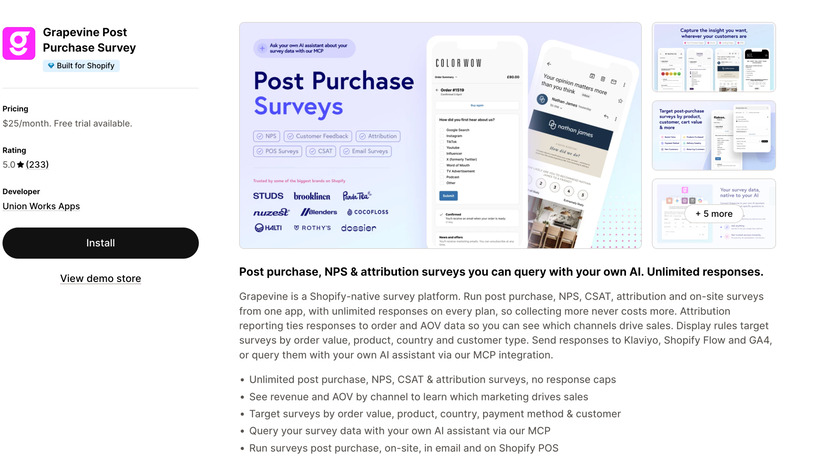
Grapevine is a Shopify app for post-purchase surveys. It also covers NPS and CSAT scores, and you can use it to ask customers where they found your store. Its big selling point is simple pricing.
What stands out:
- No response caps, so your bill doesn’t jump as your orders grow
- Works across the Shopify admin and connects to customer and order data automatically
- Support for in-person surveys through Shopify POS
- A 5.0 rating on the App Store
Best for: Stores that want predictable costs and don’t like worrying about response limits.
Pricing: It uses a flat monthly price (around $25 a month) with unlimited surveys and responses, though you should confirm the current price on its listing.
Our take: I wasn’t able to test Grapevine, and that’s its biggest downside for me. I couldn’t go any further without subscribing and paying, so I never saw how the survey builder works. If you want to test an app before you spend any money, I wouldn’t really recommend this one.
6. Zigpoll Customer Surveys
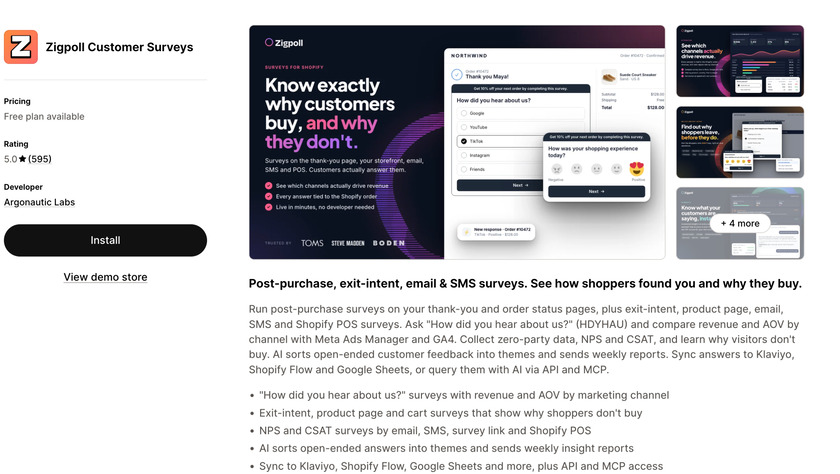
Zigpoll Customer Surveys is one of the most flexible options. Instead of only post-purchase surveys, it covers on-site polls, NPS, and email and SMS surveys too, all from one dashboard.
What stands out:
- A free plan, which makes it easy to try
- Surveys across many touchpoints, not only the thank-you page
- A no-code setup
- A 5.0 rating from around 550 reviews on the App Store
Pricing: Free plan available, with paid tiers that grow with your response volume.
Best for: Stores that want one tool for lots of survey types and prefer to start for free.
Our take: Yet another favorite of mine. It’s full of useful features, but still easy to move around in. You can write your questions from scratch, or type a short prompt and let it generate questions and answers for you. There are templates too, and you can add media to your questions. Settings like customizing the button text help you make the survey fit your store. If you want lots of options without feeling lost, this is a great one to try.
7. Hulk NPS Post-Purchase Survey
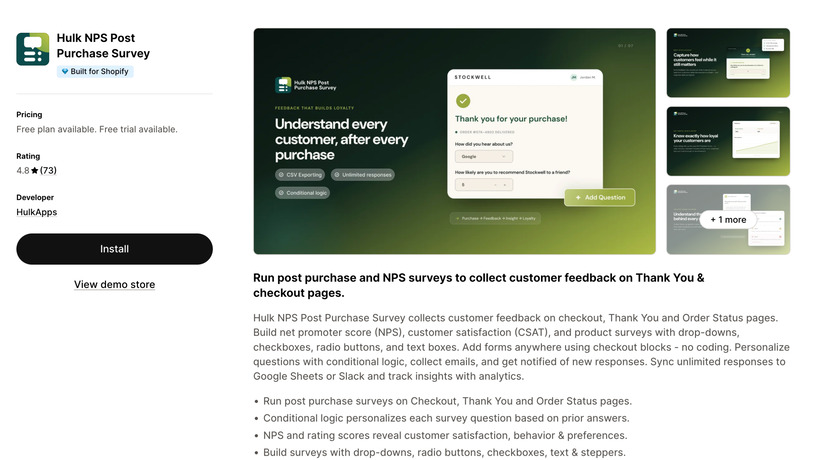
Hulk NPS Post-Purchase Survey, from HulkApps, keeps things simple. It places a survey on the thank-you page and tracks your NPS, with a dashboard for your results.
What stands out:
- Survey builder with multiple-choice, text, and number scale questions
- Conditional logic, so questions can change based on answers
- An attribution question you can add easily
- A 4.8 rating from around 68 reviews, with merchants often mentioning the low price
Best for: Small stores on a budget that want a straightforward post-purchase survey without extras.
Pricing: The app is free for Shopify development stores. For live stores, the Pro plan costs $25 per month or $250 per year. It includes unlimited responses, conditional logic, survey statistics, CSV export, and white-labeled forms. A 1-day free trial is available for the Pro plan.
Our take: Yet another app I couldn’t manage to use because of the subscriptions. When I tried to open the app, it took me straight to the pricing section, and again, I couldn’t continue without adding a payment method. I understand the reasons behind this, but also, if you want to get people to actually install and use your app, it would be great to let them test the app once, then ask for a subscription. At least for me, this format makes more sense and can contribute better to the installation numbers.
8. Gojiberry Survey & Feedback
Gojiberry Survey & Feedback
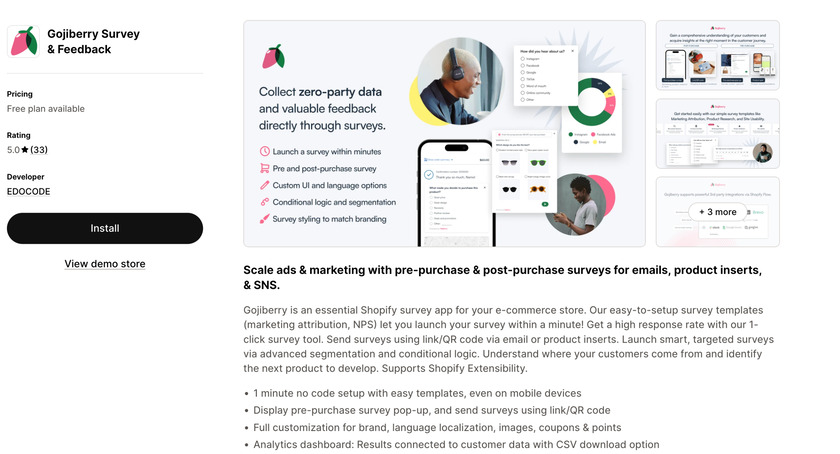
Gojiberry Survey & Feedvack covers surveys both before and after the purchase. You can run post-purchase surveys on the thank-you page, show pre-purchase pop-ups on your storefront, or share a survey through a link or QR code.
What stands out:
- Unlimited survey creation, with templates for marketing attribution and NPS
- Full customization, including translating the survey text down to the buttons
- Order and average order value data linked to responses
- Connections to other tools through Shopify Flow
- A 4.9 rating on the App Store
Best for: Stores that want to ask questions at more than one point in the customer journey, including before checkout.
Pricing: Gojiberry offers a free plan with up to 100 responses per month, unlimited survey creation, and both pre- and post-purchase surveys. The Plus plan costs $15 per month or $144 per year and includes unlimited responses, survey segmentation, image surveys, and white-label options.
Our take: Gojiberry is another good one. After setup, it asks what kind of survey you want: a one-click survey, a multi-question survey, or a 5-second test, so you can pick what fits. Adding questions and answers is very easy, and you can add pictures too. The one limit I noticed is the number of question types, so if you want lots of different formats, it may feel a little basic.
So which one should I pick?
- If you’re a beginner and just want to get started: Apricot. The interface is clean, the buttons are clear, and the YouTube video for first-time users helped me learn it quickly. The free plan allows only one survey, but that’s enough to test it.
- If you get stuck on what to ask, use UserLoop. Its suggested questions and answers are a big help when you’re staring at a blank page. Just remember the free plan allows only three questions per survey.
- If you want lots of options without getting lost: Zigpoll. You can write your own questions or give it a short prompt and let it generate them. It also has templates and media, and you can change the button text.
- If you want a quick, simple survey: Gojiberry. It asks upfront whether you want a one-click survey, a multi-question survey, or a 5-second test, and adding questions is very easy. Its question types are limited, though.
- If you already know what you need for attribution: Fairing. It has a lot of advanced settings and ready-made question templates, but I found the interface crowded, so I wouldn’t start here as a beginner.
A post-purchase survey is one or two questions shown to customers right after they pay. Most survey apps install in a few minutes, and many have a free plan, so trying one costs you almost nothing. Pick the app based on what you want to find out, and start with a single question, something like “How did you hear about us?” Once answers start coming in, you can see which channels are actually bringing in buyers. If you can’t decide between apps, install a free one and uninstall it if it doesn’t help.
